
Group 15 members
1- AAlbert Einstein
- AAda Lovelace
- IIsaac Newton
- GGalileo Galilei
- NNikola Tesla
Fairness 100/100
Loading…
Demo Class
The fastest way for teachers, coaches, and organizers to split names into balanced teams.
Fairness 100/100
Fairness 100/100
Fairness 100/100
Fairness 100/100
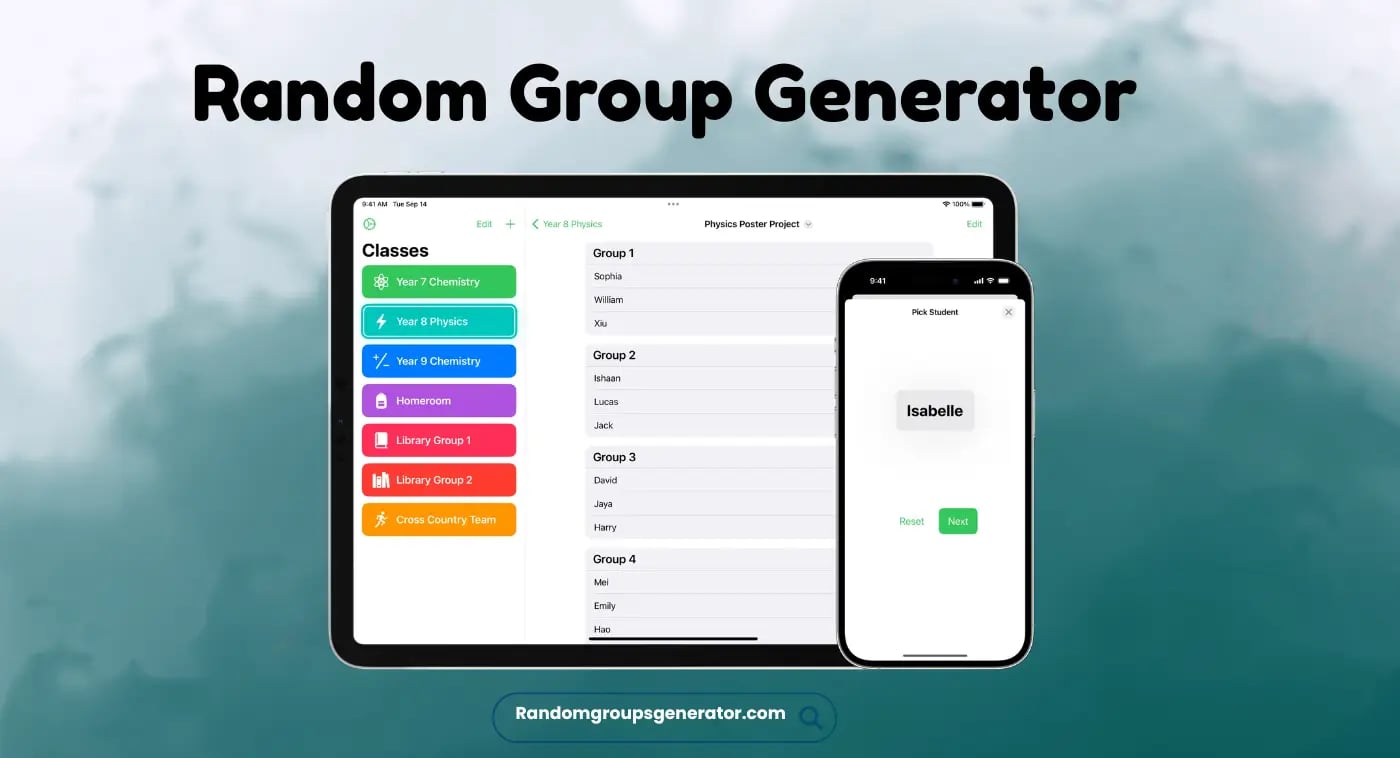
Random Group Generator is a popular online tool for team makers. It ensures hassle-free team grouping without manual efforts. It works as a team randomizer to shuffle a list of people into equal groups. It configures your requirements and instantly generates balanced teams. As a host, you can input names and conditions for perfect sorting. It's completely free and safe for mobile and desktop users.
If you're a teacher, event organizer, gamer, or manager who wants to split names into groups. Instead of spending hours on manually grouping people, you can try Random Team Generator. It automatically organizes names into teams and groups. It ensures fair grouping by balancing all participants equally based on their specifications. You can visit this secure webpage and input all names in the random group generators. Set your requirements and tap on Generate to see results within seconds. You can save the group results as an image or CSV file to share across multiple platforms. It's 100% secure and easy to use web-based tools accessible for free, even without registration.
Random Pairing Generator stands out as a modern tool with dozens of smart services. Let's see how it handles complex grouping with the following features.
The team randomizer saves your time by completing time-consuming tasks in seconds. Let'ss discuss some of its main uses.
It's a fun way to randomly place students into teams for class projects. It builds the potential to work in a team in them and also prevents favoritism.
Instead of creating teams by your own, it's better to use team generators for seamless thrill in sports. It sets fair teams for video games and sports like soccer, football, badminton, etc.
It's also a perfect option to create teams for office projects, brainstorming sessions, and team building exercises.
There are several reasons behind choosing our group generator randomly. Whether you are a gamer, teacher, or manager tired of difficult grouping tasks. You can use the random partner generator completely free. It allows the creation of random groups for office, gaming tournaments, and the classroom. You can give names to every group. It ensures hassle-free sorting among hundreds of people. You can create as many groups as you want and assign random tasks to them. Moreover, you can also make changes as a host for perfect sorting without paying a single penny.
Group Picker is an easy-to-use smartar, a web-based tool. Its simple UI doesn't require any technical knowledge and ensures friendly usage for all. Let's discuss the straightforward method to generate teams on it.
You can add names of all participants in sequence, “one after another”.
You can also go with “Import input” to add a list of all members at once, or upload a .csvv file.
You can choose between various options, such as default, gender, and label, to distribute groups.
Select the members' capacity and the total number of groups you want to generate.
You can tap on each group to give it custom identities.
After inputting all details in the group random generator, you can tap start.
The tool will analyze data and show results within seconds.
After making teams successfully, you can save the results as an image.
Group maker also allows you to download it in a .csv file or share through a link.
Group Randomizer also sets the group leaders during distribution. Usually, leaders are selected with the following methods.
Every group will have the same number of leaders. Before organizing teams, the tool will ask you to select your leaders before sorting.
The Group representatives will be highlighted with an asterisk before their names.
If you feel that leaders are not chosen correctly, then don't worry. You can also customize list members to make new leaders.
In Google Sheets, you don't even need to use external tools. You can create groups in sheets by following simple steps.
Open Google Sheets and type your name in the first column A.
In column B, you can type command =RAND() to generate random numbers.
You can type “=SORT(A2:A, B2:B, TRUE) ” in column C. It will align all names randomly.
If you want 2 people in oe team, simply create a group of the top 3 randomized names.
If you want to make teams and groups without hours of hard work on manual sorting. You can try our free Random team generator with mind-blowing features. It allows you to create groups with conditions based on your requirements. It's a free and secure option to split the list of participants into groups. You can select several groups and members per team, and input your conditions. It will generate groups according to their specifications. It not only saves time but also makes it fun to randomly assign tasks to all participants. It's easy to use and secure. It shows quick results within a minimum time to download and share.
Quick answers about using our random group generator safely and effectively.
Yes, unlike basic tools, you can set conditions and rules before group generation.
It's an advanced web-based tool that takes a list of people from the user to create groups. It saves time and effort and shuffles names into different groups within seconds.
Yes, teachers can use it in the classroom to create a random group of students. It helps them to interact with their classmates, whom they don't usually meet. You can use this free tool, instead of letting students choose their group members, which is probably time-consuming.
Yes, it's completely safe and secure. But some sites are not safe. You should avoid inputting sensitive details on these platforms to avoid any kind of harm.
Yes, you can download results in the form of images or a CSV file. You can also copy the file URL to share.
You can create a list of people whom you want to add to groups. Input all names in the group generator and type start to sort them into different teams.
Yes, the random group name generator helps to give identity to every group by customizing their names.
Not at all, you can visit our website anytime to create groups without logging in.